Make your place a game‑day destination.
Turn any TV into a live scoreboard. Every game, every score, on the screens you already have, with your name on it.
From $99 per screen a year, or $19 a month. No hardware to buy.
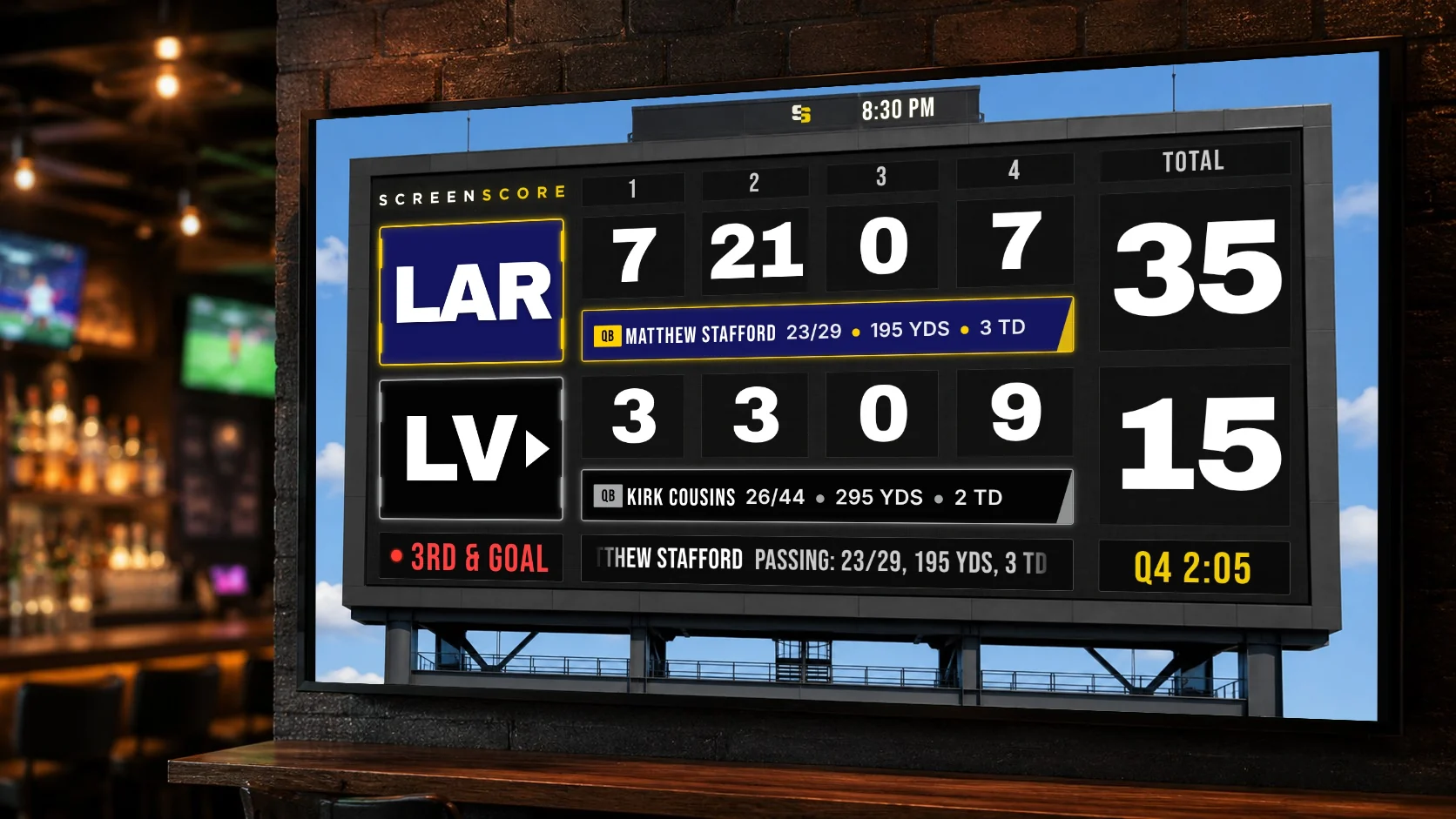
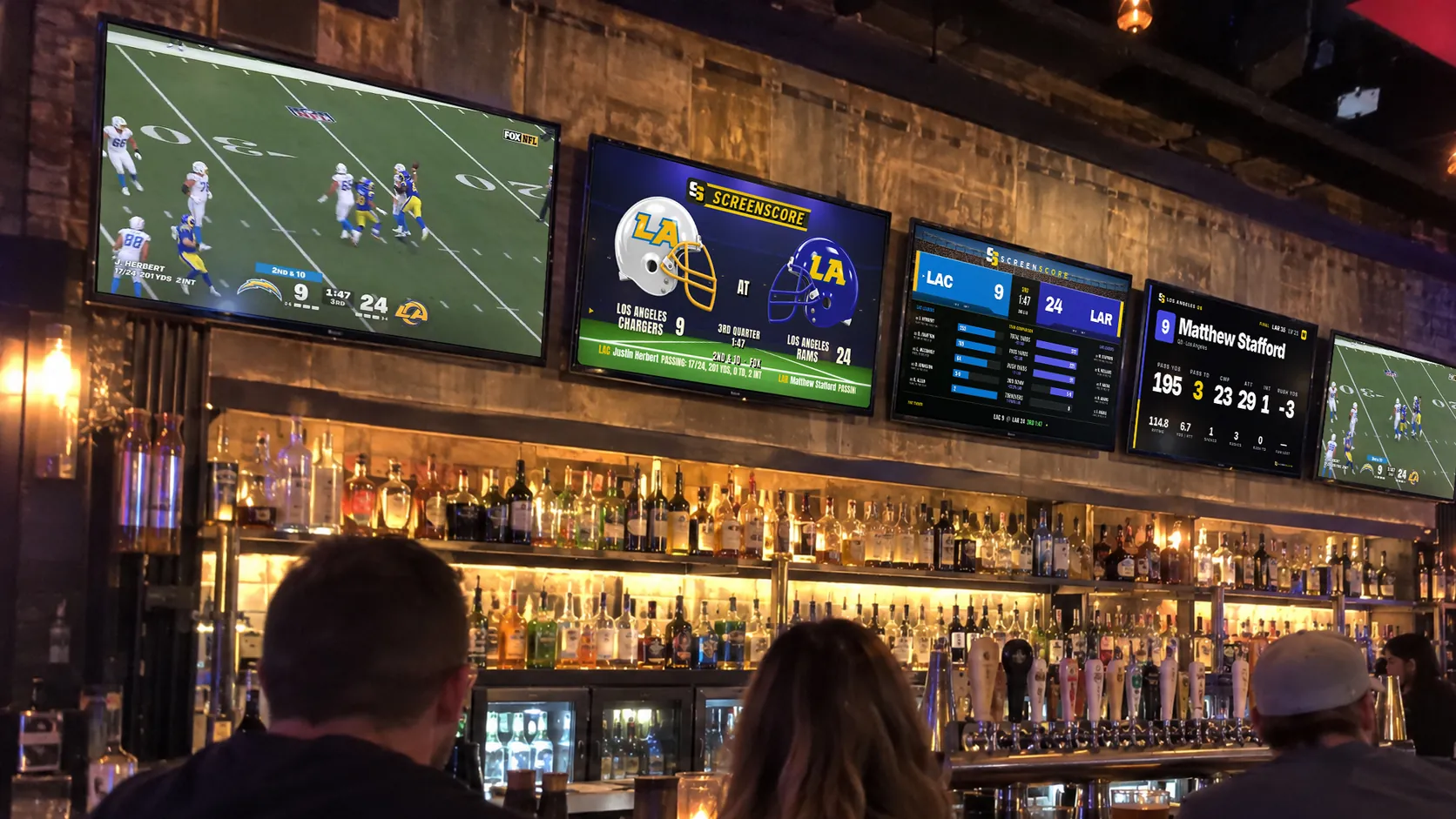
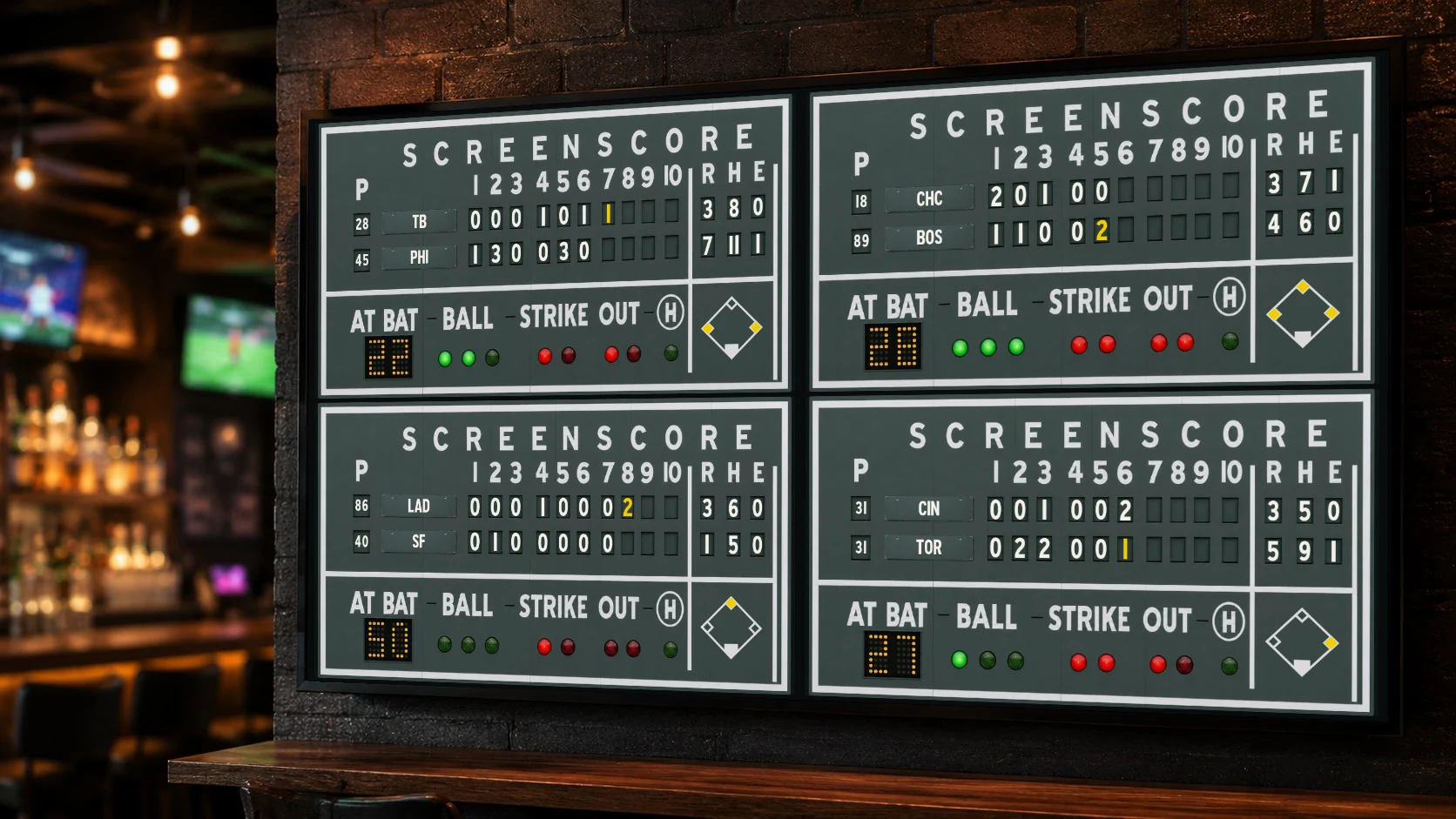
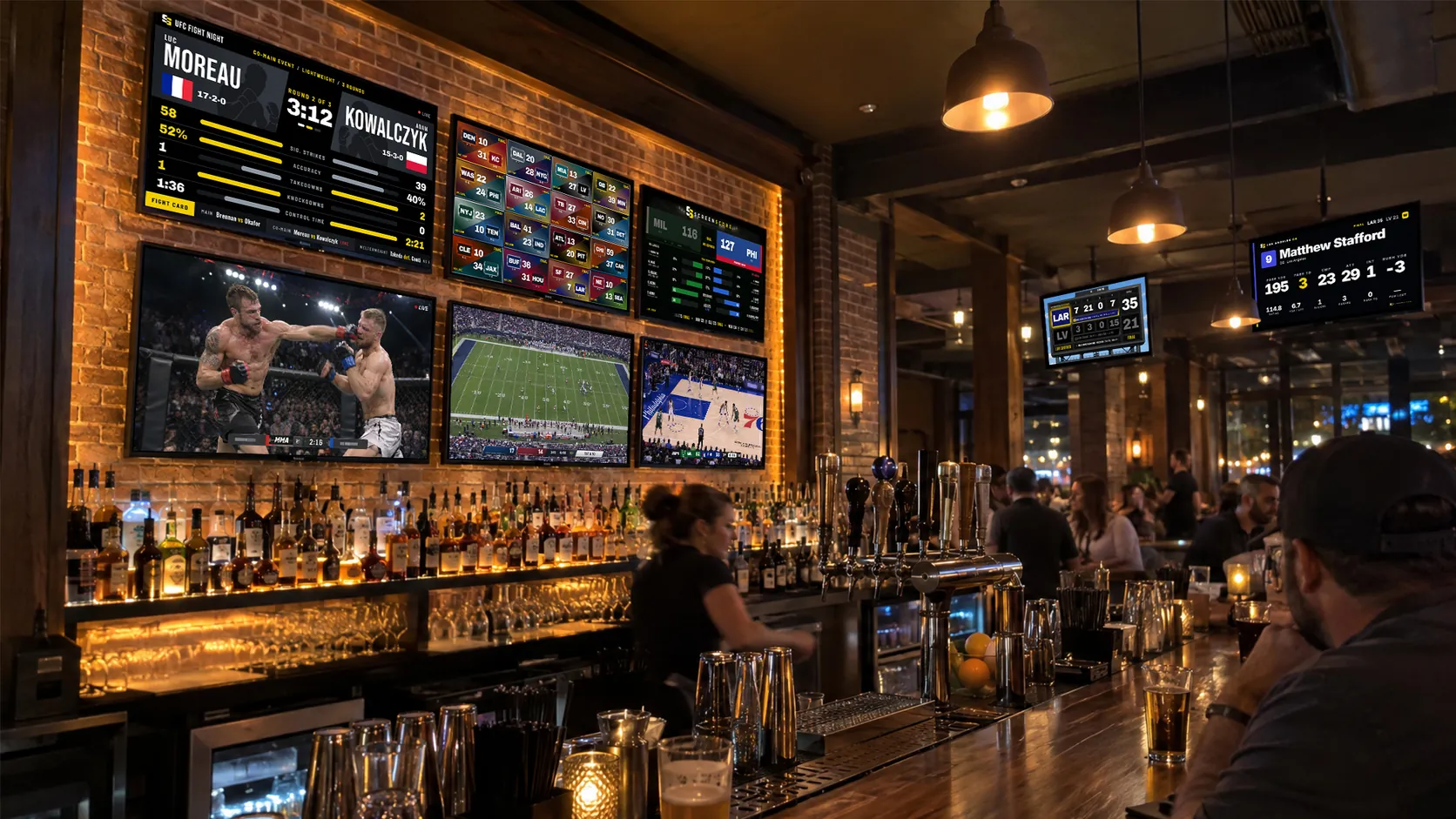
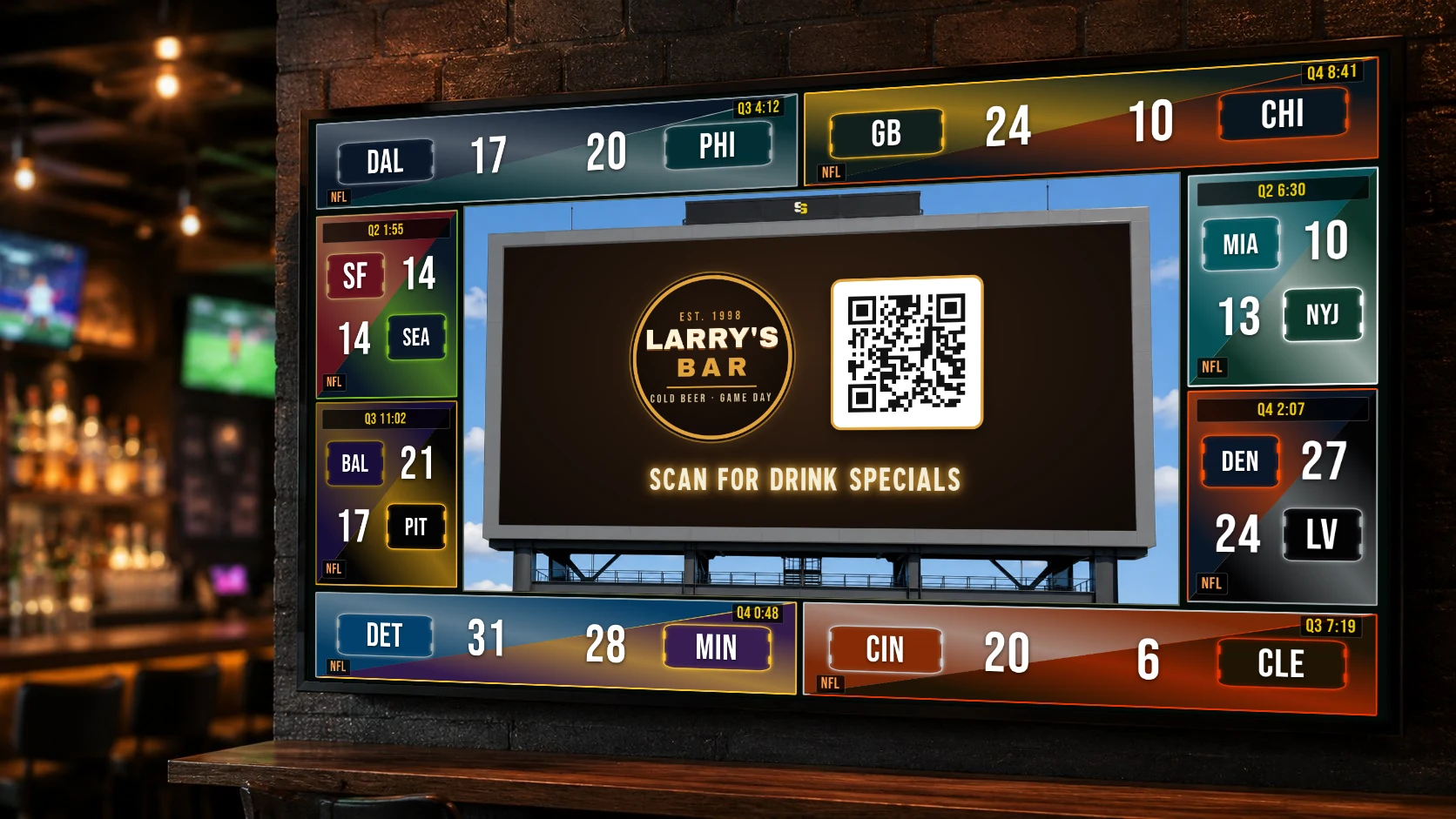
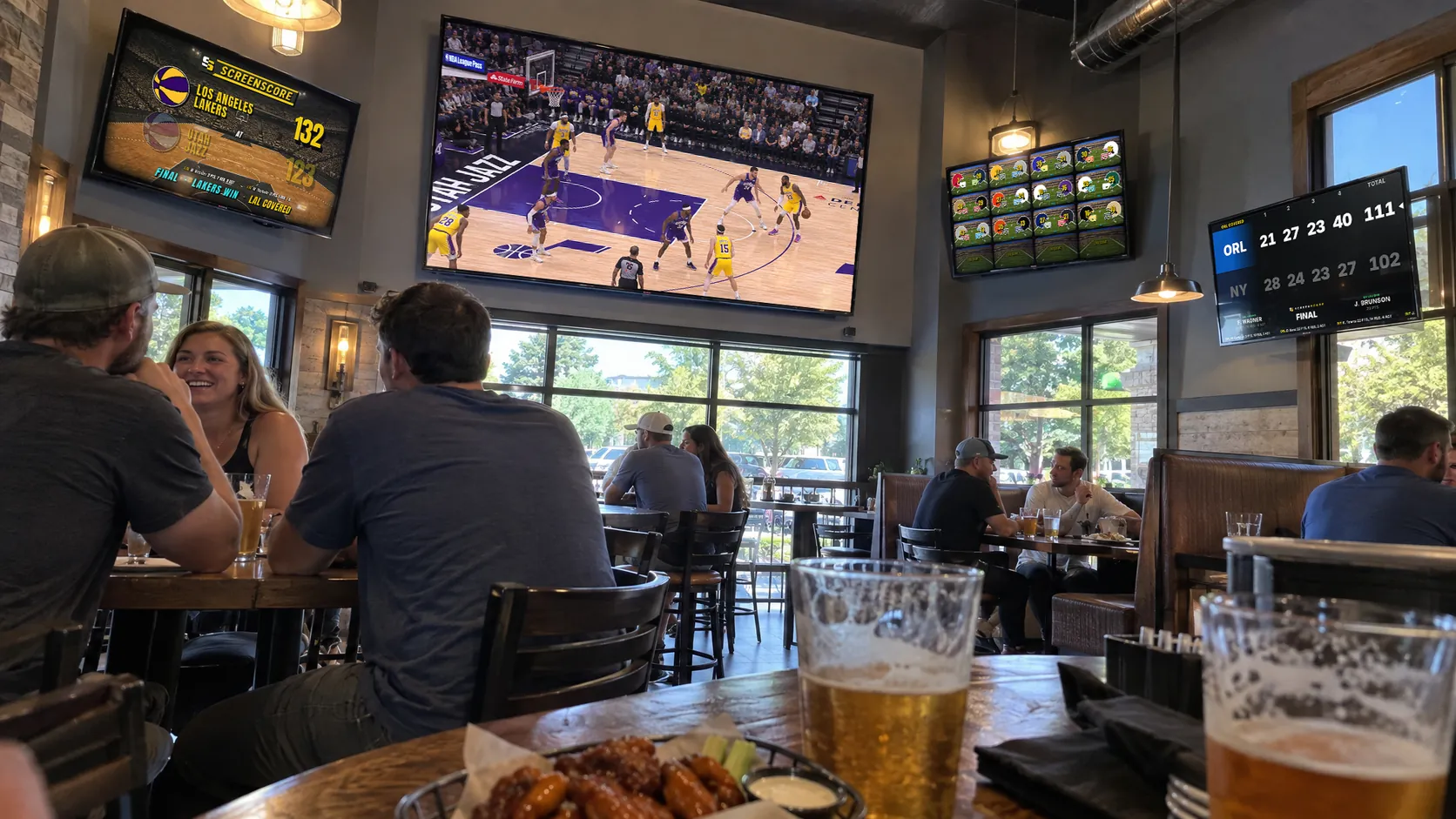
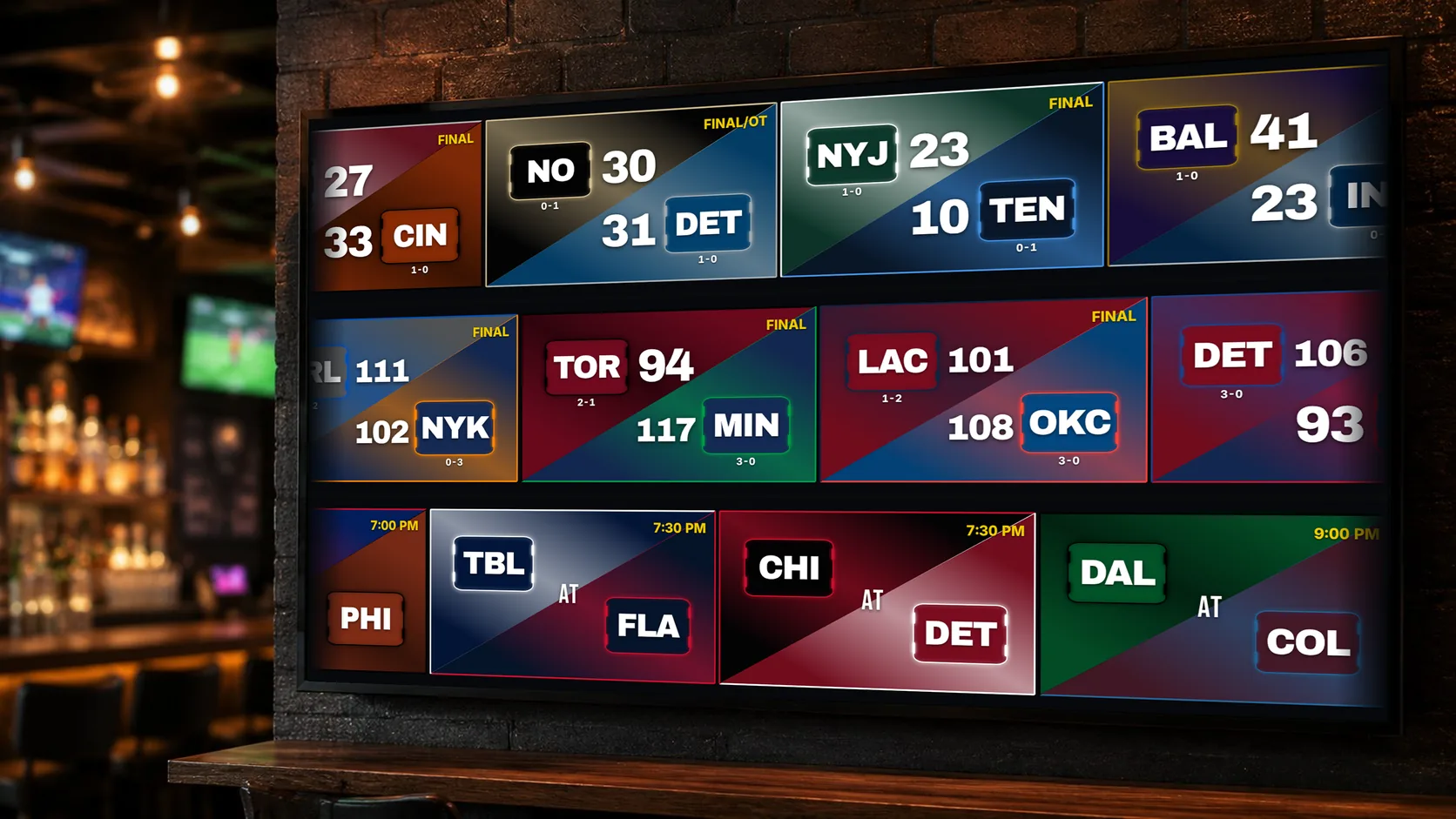
Actual ScreenScore boards with sample games.
Keep the whole room in the game.
Every game on one screen.
Build a Custom Grid of the games your crowd cares about, across the NFL, NBA, MLB, NHL, college, UFC fight cards and more.
Your name on the board.
Personalized Boards put your logo, your message and a QR code for specials next to live scores.
Readable from the back of the room.
Big type and bold team colors, in scoreboard looks from a stadium wall to a clean modern board.
Runs on what you have.
Any smart TV, streaming stick or computer with a web browser. Nothing to install and no hardware to buy.
Set it once.
Scores update live on their own. Shuffle Mode rotates through your boards all day without anyone touching a remote.
Licensed for your business.
A commercial license covers public display on every screen you pay for, across one location or many.
On your screens in minutes.
Choose your screens.
Pick how many TVs you want to run and pay monthly or yearly. Your account setup arrives by email.
Sign in on each TV.
Open screenscore.tv in the TV's browser and scan the QR code with your phone. No typing with a remote.
Launch your boards.
Choose a game, a grid or your own branded board and go full screen. A setup guide walks you through it.
Simple pricing, per screen.
Pay now and have your screens running today. Setup is self-service: your login and a step-by-step guide arrive by email in minutes.
- Every league, scoreboard look and Custom Grid
- Personalized Boards with your logo and specials
- Commercial public-display license
- Self-service setup, with help by email if you need it
Ask us before you buy.
Not ready to pay yet? Tell us about your space and we’ll answer your questions and recommend a setup. There is nothing to pay here. We reply by email, usually within one business day.
Ready now? Buy online and start today.
A few quick answers.
Does ScreenScore show the games themselves?
No. ScreenScore shows live scores, stats and standings as full-screen scoreboards. It runs next to your game broadcasts, on the TVs that aren’t showing a game, or on every screen between games.
What do I need on each TV?
A web browser and an internet connection. Most smart TVs and streaming sticks have one, or you can plug in any computer. There is nothing to install.
What counts as a screen?
Every TV, monitor or projector that shows ScreenScore needs its own screen on your plan, so four TVs means four screens. You use the same login on all of them.
Can different TVs show different things?
Yes. Each screen picks its own game, grid or board, so one TV can follow the NFL while another runs your specials with a scores ticker.
Can I put my logo and specials on screen?
Yes. Personalized Boards combine your image and message with live scores, and can include a QR code that sends guests to your menu or specials.
How does billing work?
You pay per screen, monthly or yearly, and the plan renews until you stop it. You can stop future renewals from your business account page at any time; access continues through the term you have paid for. Need more screens or a different plan? Send us a note and we’ll change it for you.
I have several locations. Can you help?
Yes. One license can cover multiple locations. Send us a note with your locations and screen counts and we’ll set it up with you.